
How to Get the Default Database Name & Password of WordPress Site
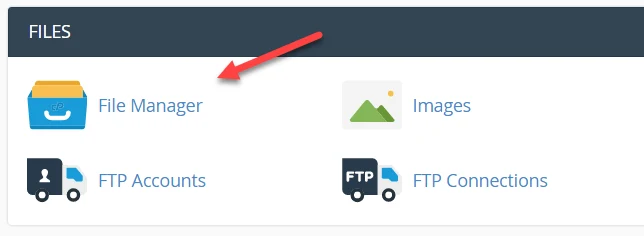
1 To get the default database name of the WordPress blog, go back to the cPanel homepage and look for “File Manager” under the Files table. Click File manager.
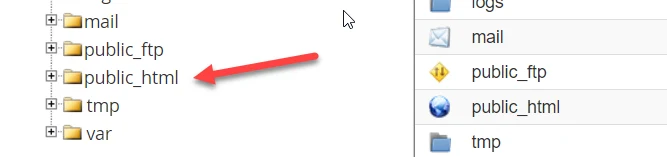
2 A new tab/window will open. On the left side, look for “public_html” and then click on it.
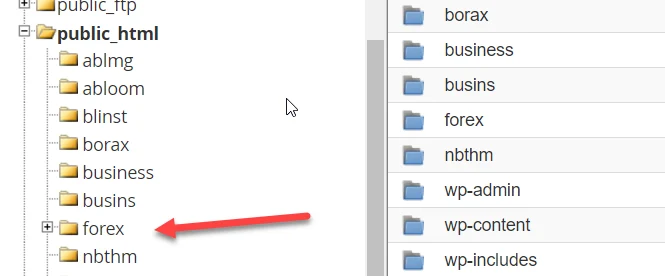
3 If you have several blogs/websites on your webhost, select the folder of the blog you want to change the password.
4 On the right side, look for wp-config.php
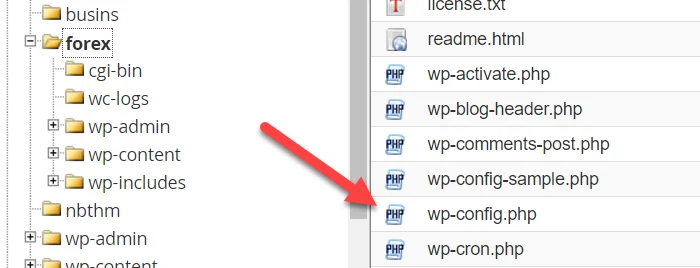
5 Highlight wp-config.php by clicking on it then click the “View” button at the topmost menu.
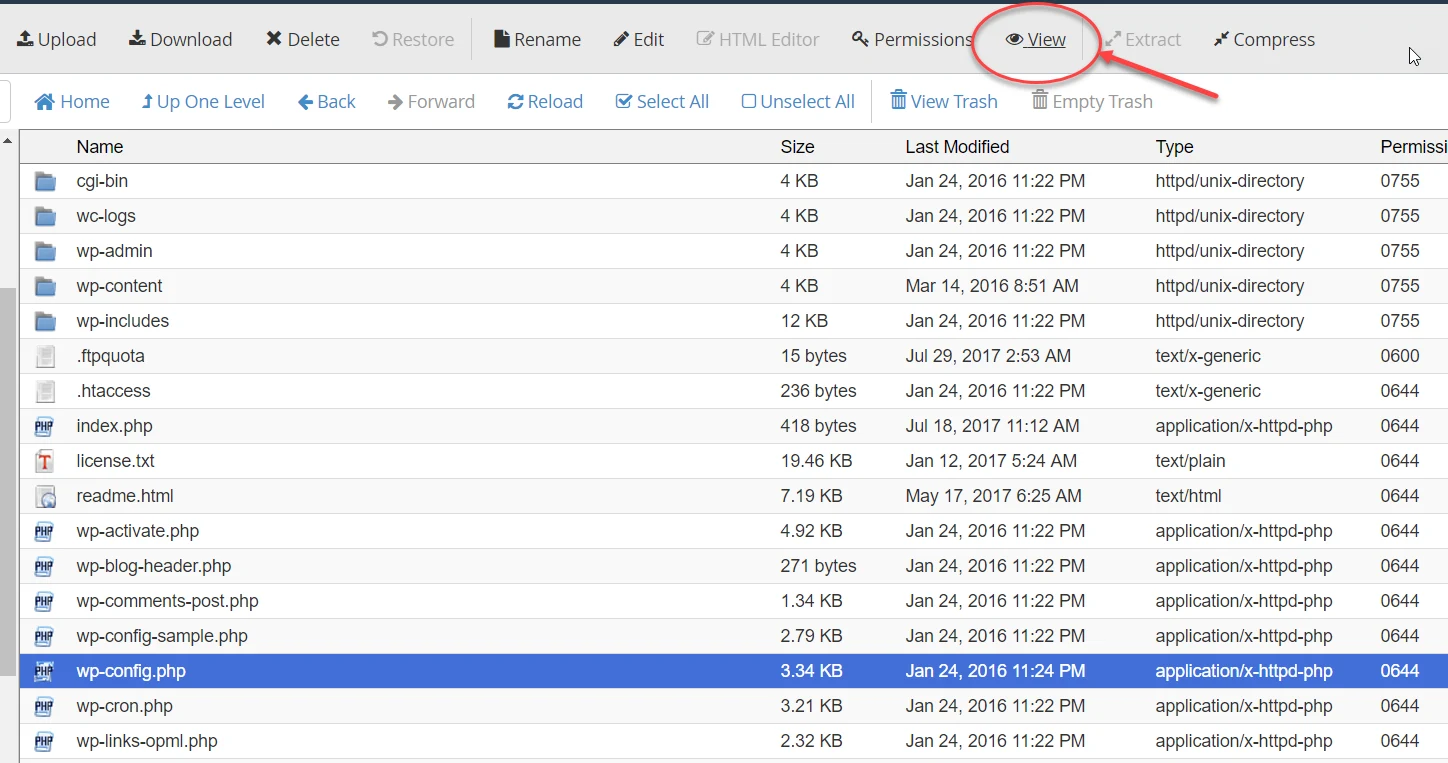
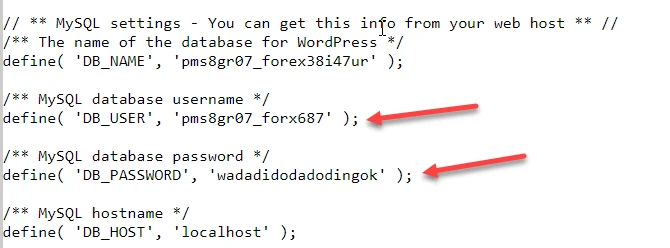
It will open a new tab/window which reveals the content of the wp-config.php file.
6 Now, take note of the MySQL database username and MySQL database password.
7 That’s it.