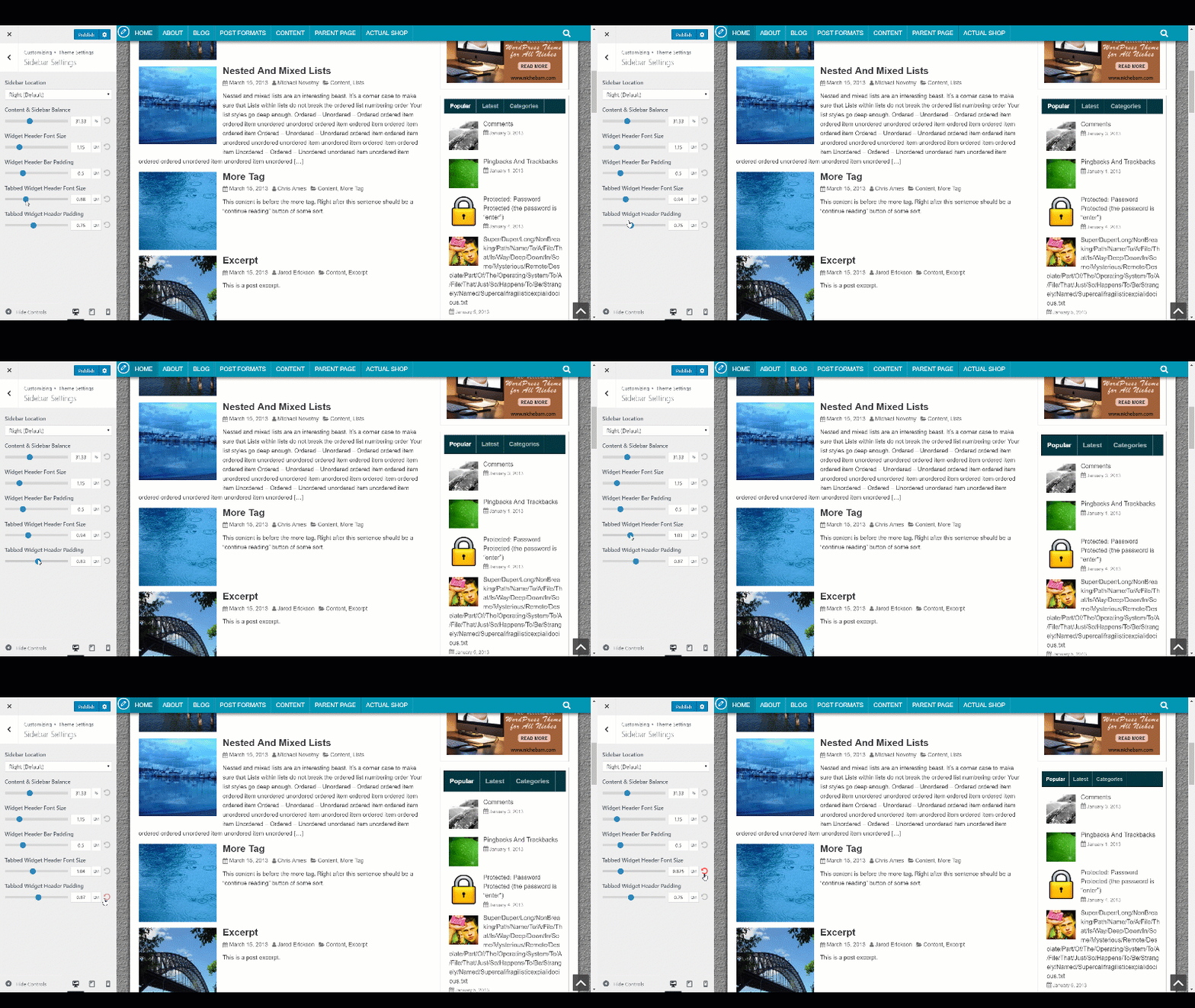
How to Change Tabbed Widget Font Size and Padding
If you are using the tabbed widget, you may want to adjust the font size and padding.
To adjust font size, navigate to Appearance => Customize => Theme Settings => Sidebar Settings then move the slider range with the label “Tabbed Widget Header Font Size“.
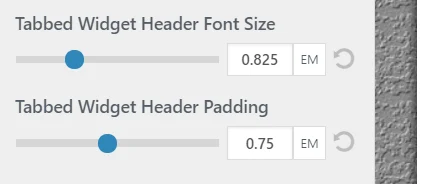
To adjust font padding, navigate to Appearance => Customize => Theme Settings => Sidebar Settings then move the slider range with the label “Tabbed Widget Header Padding“.