
How to Change Theme Style and Colors Using a Pre-defined Scheme
You can quickly change the color and feel of your blog by simply selecting from a pre-defined color scheme or theme style.
Please note, however, that not all themes have this feature yet.
You can check if your blog’s theme has this feature by going to Appearance => Customizer => Theme Settings => Theme Layout.
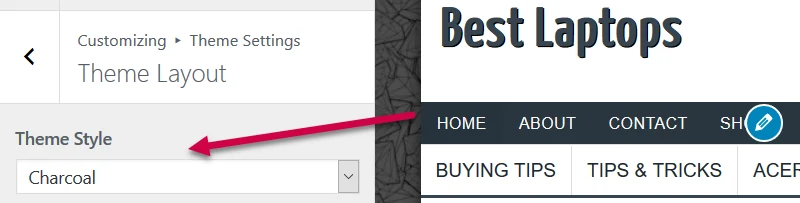
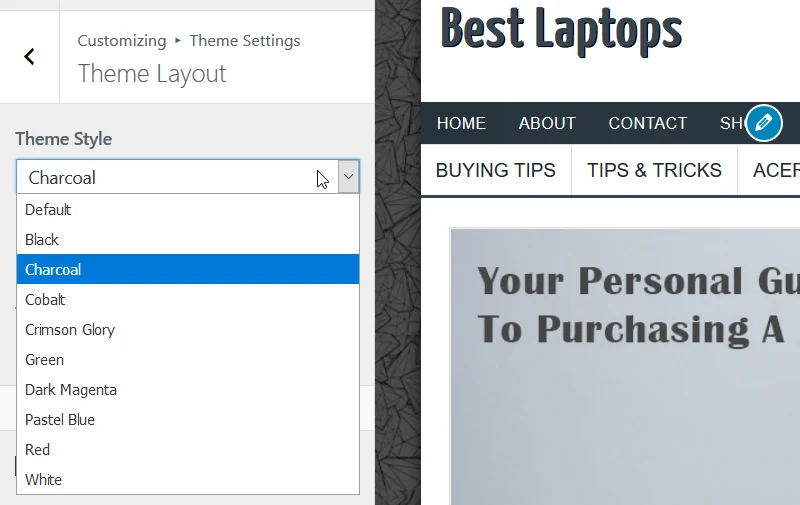
To select a style/color scheme, just click on the “Theme Style” field then click on the name of a style you want to use.
Now, click the “Publish” button then check your new website style.